



Help & Support | IASGanga

Help & Support

Watch quick video tutorials to solve common IASGanga questions in minutes.

ℹ️

Website Updated

Homepage has a new look, but all login and course access steps remain the same.

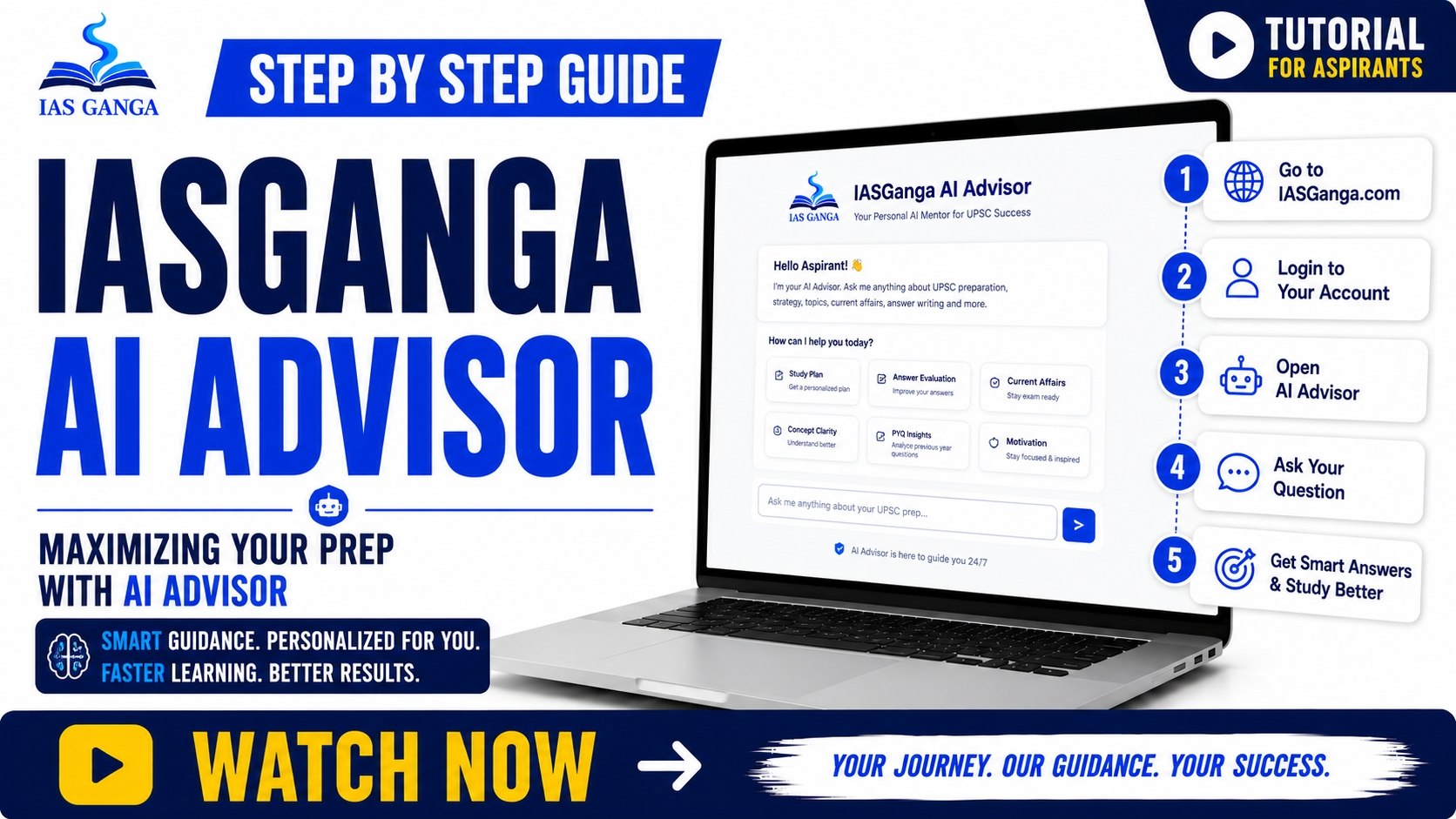
IASGanga AI Advisor

AI Advisor
5:15
⭐ RECOMMENDED

Ask Anything, Get Instant Answers

Find answers instantly using IASGanga AI or browse step-by-step video tutorials.

▶ Watch Now →

Account & Login

Create Account
2:45

Create Account

A step by step guide to setting up your IASGanga account.

▶ Watch Now →
Login
2:45

Login

How to securely sign in to your dashboard across devices.

▶ Watch Now →
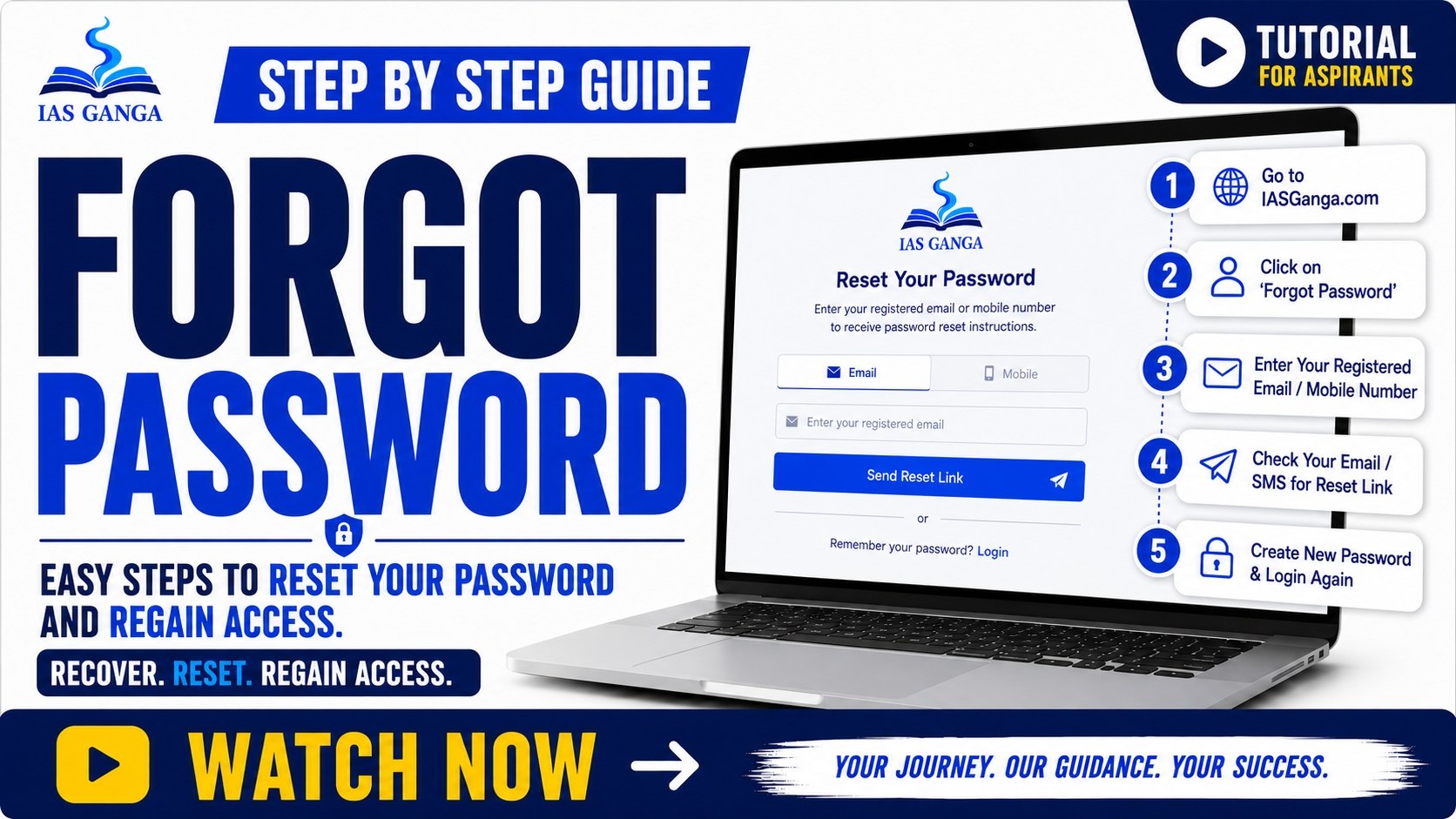
Forgot Password
2:45

Forgot Password

Easy steps to reset your password and regain access.

▶ Watch Now →

Course Access

Course Access
4:12

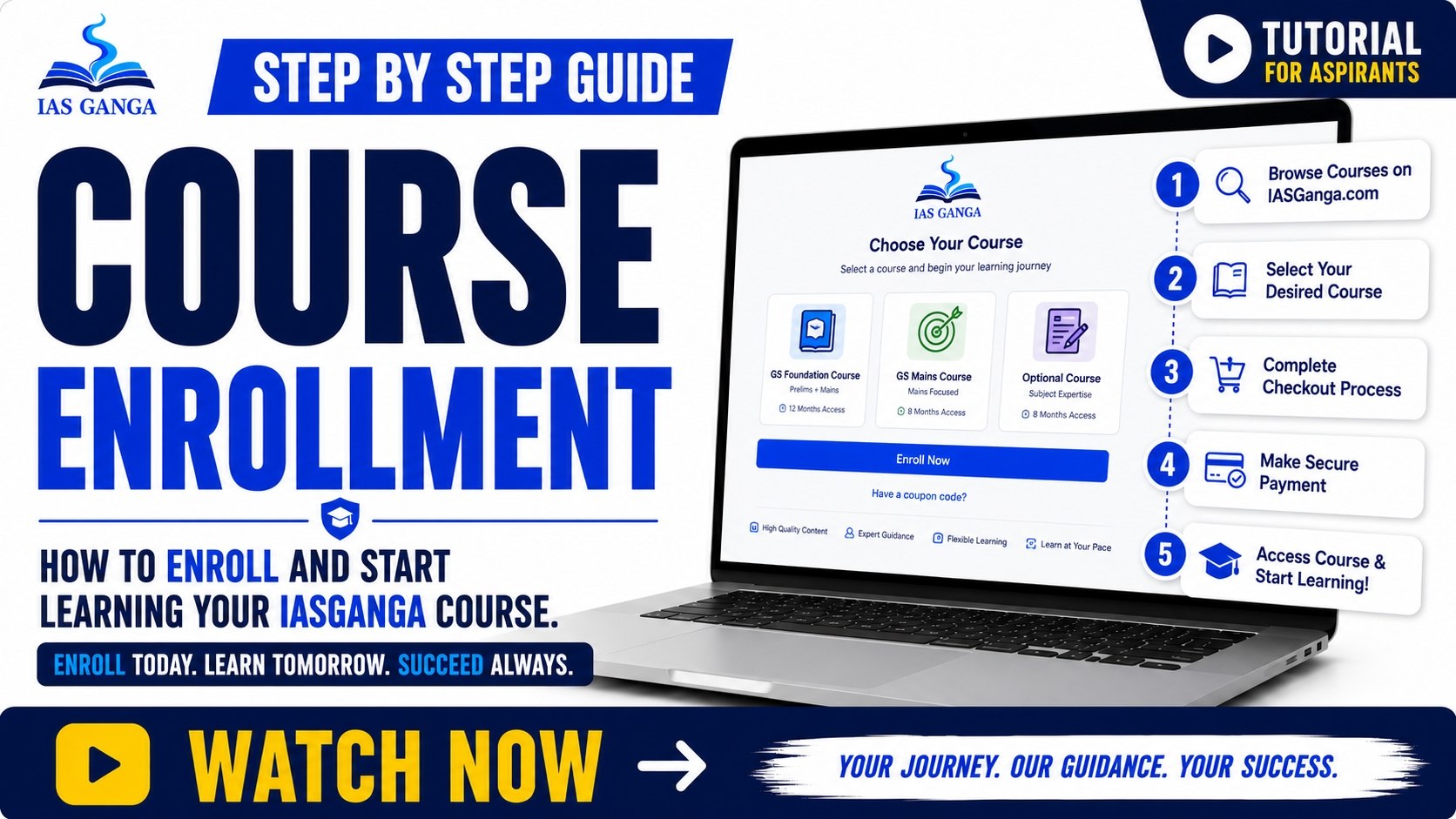
Course Enrollment

How to enroll and start learning your IASGanga course.

▶ Watch Now →
Course Access
4:12

Access Purchased Courses

Find all your active learning materials in one place.

▶ Watch Now →
Course Access
4:12

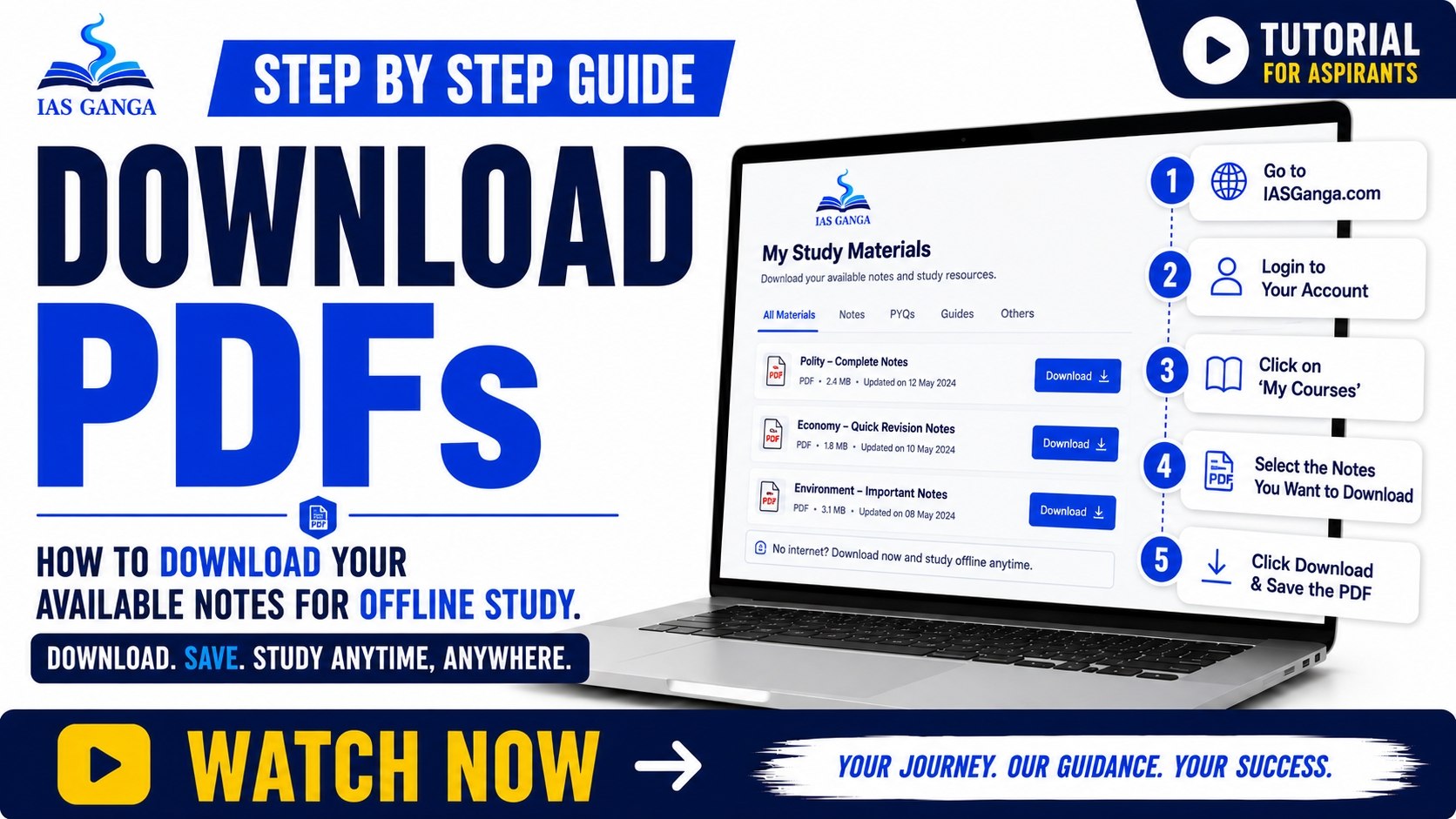
Download PDFs

How to download your available notes for offline study.

▶ Watch Now →

Payments & Orders

Payments
3:30

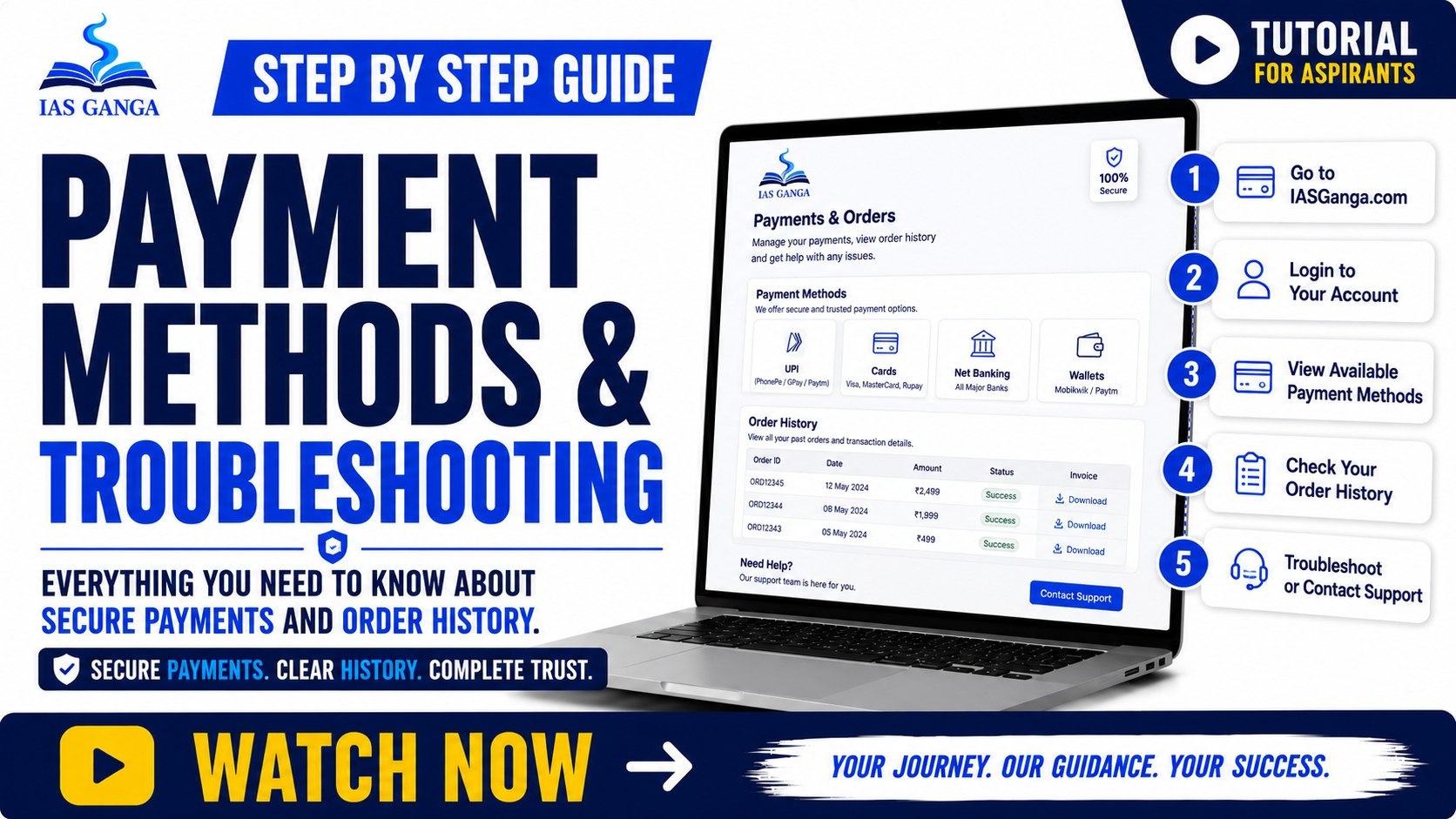
Payment Methods & Troubleshooting

Everything you need to know about secure payments and order history.

▶ Watch Now →

Frequently Asked Questions (FAQs)

Quick answers to help you on your learning journey.

To enroll, simply browse our courses, select the one you want, and click 'Enroll Now'. Follow the payment instructions to get instant access.

Once purchased, your courses will appear in your 'My Courses' dashboard. You can access them anytime from any device.

Yes, most courses include downloadable PDF notes and materials that you can save for offline study.

We accept all major credit/debit cards, UPI, Net Banking, and popular digital wallets.

Click on 'Forgot Password' on the login page, enter your email, and follow the link sent to your inbox to set a new password.